Frequently Asked QuestionsFind answers about CSTC membership, account access, educational events, continuing education, and chapter participation. Jump to a section:
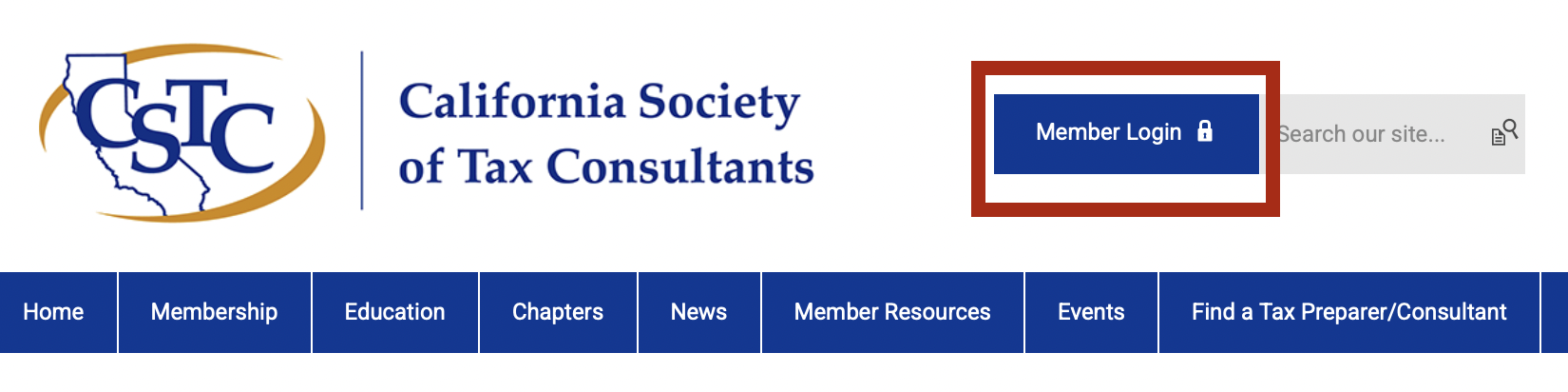
Membership and RenewalsWhat is CSTC?The California Society of Tax Consultants, founded in Southern California's Inland Empire in 1966, has approximately 900 members in 14 local chapters in California. CSTC's emphasis on high-quality tax education and its atmosphere of friendly sharing make it a welcoming community for tax professionals. Who joins CSTC?CSTC welcomes tax preparers, bookkeepers, accountants, Enrolled Agents, CPAs, and others interested in tax and accounting, from those entering the profession to experienced practitioners. Membership categories have different eligibility requirements. Student membership is available to individuals enrolled in a tax or accounting class or program who are not actively engaged in the profession of tax preparation or accounting. Visit the membership information page for the requirements and privileges of each membership category. Why join CSTC?Joining CSTC connects you with a community of tax professionals committed to education, networking, and high standards of practice. Members receive discounted event rates and opportunities to exchange knowledge about tax research, practice management, and working with tax agencies. CSTC offers continuing education on a wide range of tax topics. Check each event's description for the credit types, course numbers, and participation requirements that apply to your credential. How do I join CSTC?Visit the membership information page to review the membership categories, current dues, and application options. How do I renew my membership?Visit the membership renewal page for renewal options. If you need assistance, email [email protected]. How do I check my membership expiration date and manage automatic renewal?If you are unsure when your membership expires or whether automatic renewal is enabled on your account, please log in to your CSTC membership profile to view more information regarding your membership. You may also contact the office with questions about a membership charge, updating your payment method, or discontinuing automatic renewal. Account Access and EmailHow do I log in to my member profile?Select Member Login at the top of the CSTC website, or open the member login page.
How do I reset my password?Use the password reset page and follow the instructions. If you cannot access your account, contact [email protected] for assistance. How do I retrieve my username?Use the username retrieval page and follow the instructions. How do I update my contact information, PTIN, or CTEC number?After logging in, go to Member Resources > Member Center > Access My Profile > Edit Profile to review and update the available fields. Keep your contact and credential information current so CSTC can communicate with you and process applicable education reporting. See the profile update instructions for help. If a field is unavailable, or an event registration contains incorrect information, email [email protected]. For an event correction, include the event title and date. Why am I not receiving CSTC emails?If you are not receiving announcements, confirmations, renewal notices, or certificates:
For missing Member Listserv messages, also check your subscription and email delivery settings using the listserv instructions below. Where can I find an invoice or proof of payment?After logging in, select Access My Profile > Invoices to view invoices available in your account. The Forms I've Taken and Email History tabs may also help you locate your registration records and messages. If you cannot locate a payment record or need a copy, email [email protected] with your name, the event or membership payment involved, and the approximate payment date. Events and WebinarsWhat educational opportunities does CSTC offer?CSTC chapters host in-person and virtual programs that offer opportunities to learn and connect throughout the year. Offerings include:
Society programs include:
Visit the chapter directory for local programs and the CSTC homepage for current Society event information. Can I attend an event if I am not a CSTC member?Yes. Nonmembers are welcome to attend CSTC educational meetings and seminars. Follow the registration instructions for the event and select the applicable nonmember rate. CSTC members receive discounted event pricing. I am a member. Why am I seeing the nonmember registration price?Check that you are logged in with the account associated with your CSTC membership. If the price still does not appear correct, contact [email protected] before completing payment so the office can review your membership status and the registration. Include your name, membership email address, and the event title and date. I registered for a webinar. Where do I find my Zoom link?Review your event confirmation email for the Zoom access instructions. Follow any additional Zoom registration steps provided before joining the session. If you cannot find the message, check your spam or junk folder and confirm the email address used to register. Contact the event organizer listed on the event page, or email [email protected], with your name, event title and date, and registration email address. How do I cancel an event registration or request a refund?Review the cancellation policy on the event page or in your registration confirmation, and submit your request using the contact information specified there. Cancellation deadlines and refund terms may differ among Society programs and chapter events. Include the attendee's name, event title and date, and registration email address. If you cannot locate the policy or the appropriate contact, email [email protected] for assistance. Continuing Education and CertificatesWhat do I need to do during a webinar to receive continuing education credit?To qualify for credit, follow the attendance and participation requirements provided for your course, including the required polling responses. Registration or payment alone does not establish that the participation requirements have been met. Use the attendee information associated with your registration and follow the event's instructions for reporting technical problems during the session. Review the advertised credit type and course numbers to determine whether the program applies to your credential. Are webinars recorded, and can I receive CE credit by watching a recording?Check the event description to see whether recordings and course materials are included. Access to a recording does not automatically qualify you for continuing education credit. If the program requires live attendance and polling for credit, watching its recording does not replace those requirements. Follow the CE instructions for the specific program. If you need help locating included recordings or handouts, contact the event organizer or [email protected]. When are virtual continuing education hours reported, and when will I receive my certificate?For virtual chapter meetings, eligible attendees who meet the participation requirements are emailed a Certificate of Completion within five business days. Applicable hours are reported to the IRS and CTEC before the certificate is emailed. Some certificate fields, such as the event date, course title, and course number, will already be completed. Fill in your own information where indicated and retain the certificate for your records. When are in-person continuing education hours reported, and how do I receive my certificate?Eligible attendees at in-person events receive a printed Certificate of Completion onsite. Applicable continuing education hours are reported within ten business days of the office receiving the final event sign-in sheet. Review the information already entered on the certificate, complete your own information where indicated, and retain it for your records. I attended an event, but the education has not been reported to my IRS or CTEC account. What should I do?If the applicable reporting period has passed and eligible hours are still missing, contact Kyra Browder at [email protected]. Please include:
This information will help the office review your attendance record and the reporting status. How do I request another copy of my Certificate of Completion?Email [email protected] with your full name, registration email address, event title and date, and hosting chapter or Society program. How can someone become a tax preparer in California?The steps depend on the credential or registration you are pursuing. Use these official resources for current qualifications, application instructions, and renewal requirements:
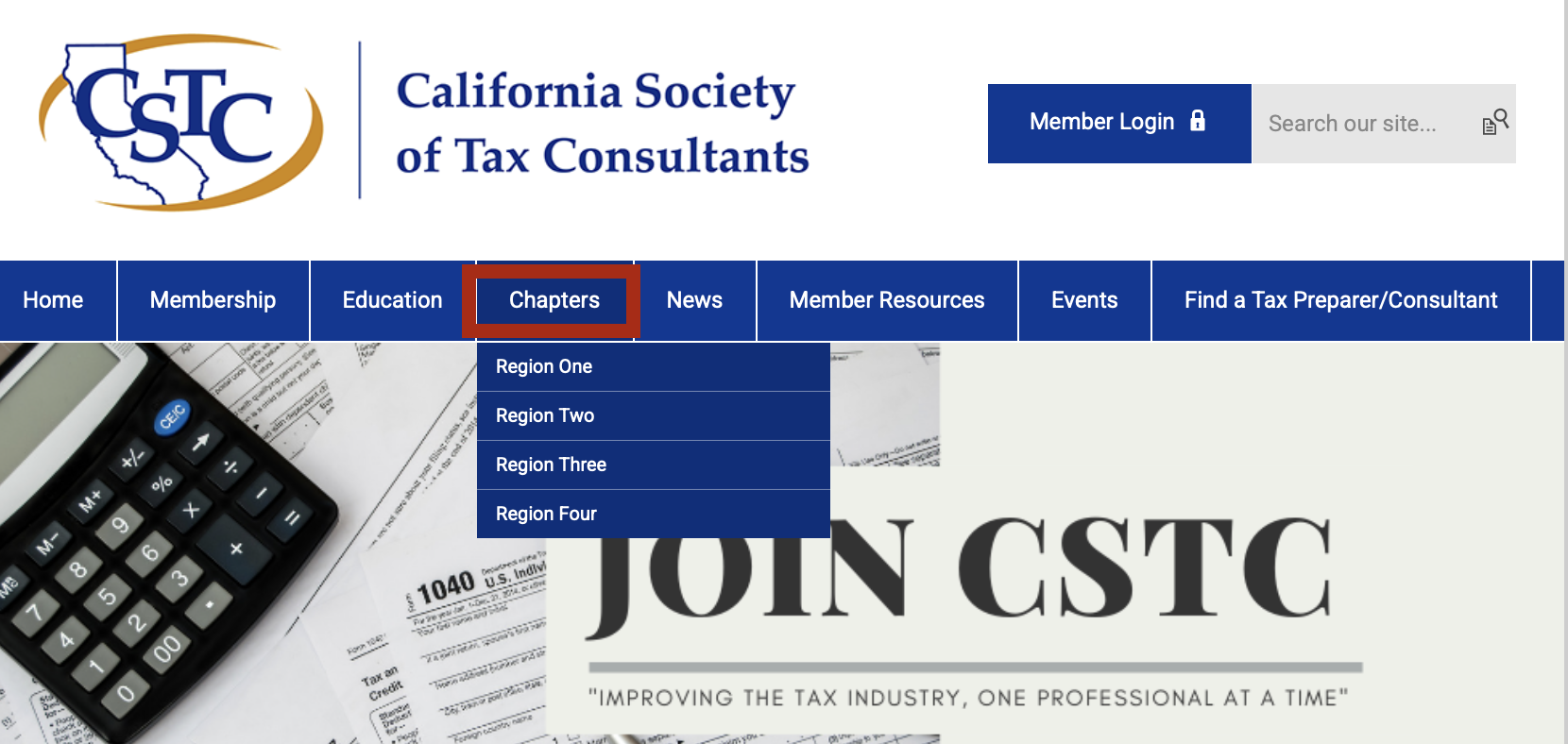
Review the applicable agency's guidance to determine which requirements apply to your circumstances. Chapters and Member BenefitsWhere can I find information about CSTC chapters?Visit the chapter directory or select Chapters in the website navigation to learn about education and networking opportunities in your area. If you are not located near a chapter, CSTC also has a member-at-large option.
Where do I find event information for the different chapters?Visit a chapter's webpage for its meeting information, registration instructions, and chapter contacts. Region One: Sacramento, Central Valley, San Jose, San Francisco Bay Region Two: San Gabriel Valley, Los Angeles, Greater Long Beach, Inland Empire Region Three: Orange County, Orange County South, Temecula Valley Region Four: East County San Diego, North County San Diego, San Diego I am a member of one chapter but want to attend another chapter's event. Is that possible?Absolutely! As a CSTC member, you are welcome to attend educational events hosted by any CSTC chapter throughout the state and receive the member pricing for those events. Your home chapter provides a local community and connection to chapter leaders. How do I change my home chapter?Contact the CSTC office at [email protected] with your name, membership email address, current chapter, and requested chapter. The office can help you with the appropriate next steps. How do I access my member benefits?Visit the Member Center and follow the instructions for the benefit you want to use. Log in when prompted to access member-only information. If you need assistance accessing a benefit, contact [email protected]. How do I join the CSTC Member Listserv?The Member Listserv allows subscribed CSTC members to exchange business-related questions, referrals, and requests for assistance.
Review the Member Listserv instructions and rules before participating. You can also contact the office to request help subscribing. How can I get involved in chapter or Society leadership?Contact your chapter leaders or the CSTC office to ask about volunteer opportunities, committee service, and leadership positions. Share the areas that interest you so you can be directed to the appropriate contact. Visit your chapter's webpage for chapter contacts or the CSTC Contact Us page for office assistance. Still need help?Email [email protected] or call 949-715-4192. Include your name and, when applicable, the event title and date so the office can assist you. |
Upcoming Events
Tue Nov 17, 2026Digital Asset Taxation - Central Valley Chapter Virtual Meeting Category: Virtual Chapter Meetings |
Wed Nov 18, 2026Flipping Houses, Cost Segregation & Tiny Houses - Greater Long Beach Chapter In-Person Meeting Category: In-Person Chapter Meetings |
Wed Nov 18, 2026Exhibit A: Putting an AI-Assisted Return on Trial Under OPR's Six Provisions - Inland Empire Chapter Virtual Meeting Category: Virtual Chapter Meetings |
View Full Calendar
Find a Tax Consultant
Find a Tax Preparer Search
The California Society of Tax Consultants consists of tax professionals that are located throughout California. Click here for the online search.

If you pay to have your tax return prepared in California, your preparer must be properly registered or licensed. There are several sources of information to help you verify your tax preparer is properly registered or licensed:
California Tax Education Council (For California Registered Tax Preparers)
Internal Revenue Service (For PTIN holders and Enrolled Agents)
National Society of Accountants (NSA) Choose a Tax Pro
National Society of Accountants (NSA) Find a Tax Pro